Forms
Build forms and manage every submission.
Websites, portals, booking engines, forms and help desks, built as one platform your team can run.
Learning platforms, e-learning and onboarding portals that get people trained, certified and productive sooner.
Video, 360° and interactive media, writing and brand work that make a message land and keep landing.
Campaigns measured from the first click: landing pages, paid social, Google Ads, newsletters and QR, reported in one place.

AI assistants grounded in your own content, and the automations and dashboards that take routine work off your team.
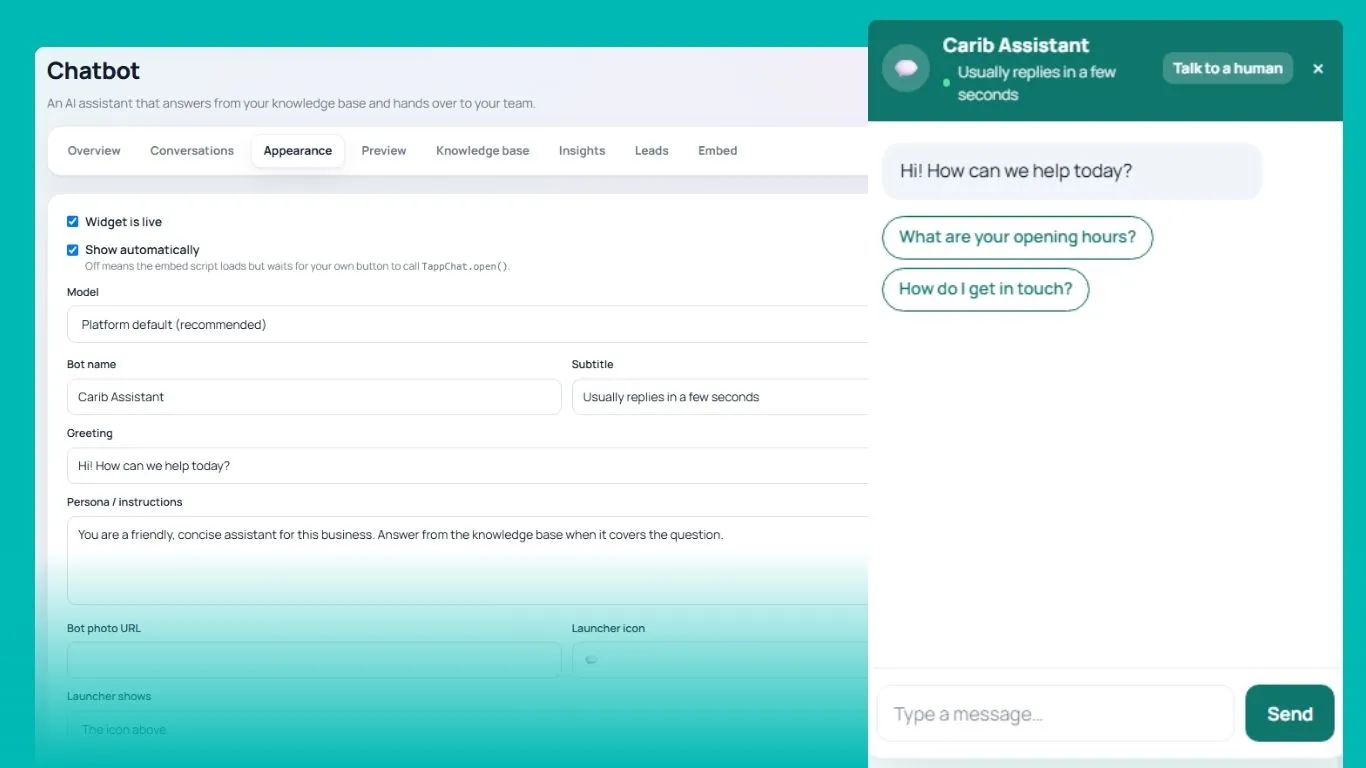
Forms, bookings, events, the AI chatbot, a help desk, flipbooks, QR codes and more, in one hub with your brand on it. Every lead, scan and conversation lands in the same place and is counted on the same dashboard.
Pick a tool to see it. On a desktop the tour walks itself until you take hold.
Switch on the ones your team uses. The rest stay out of the way.
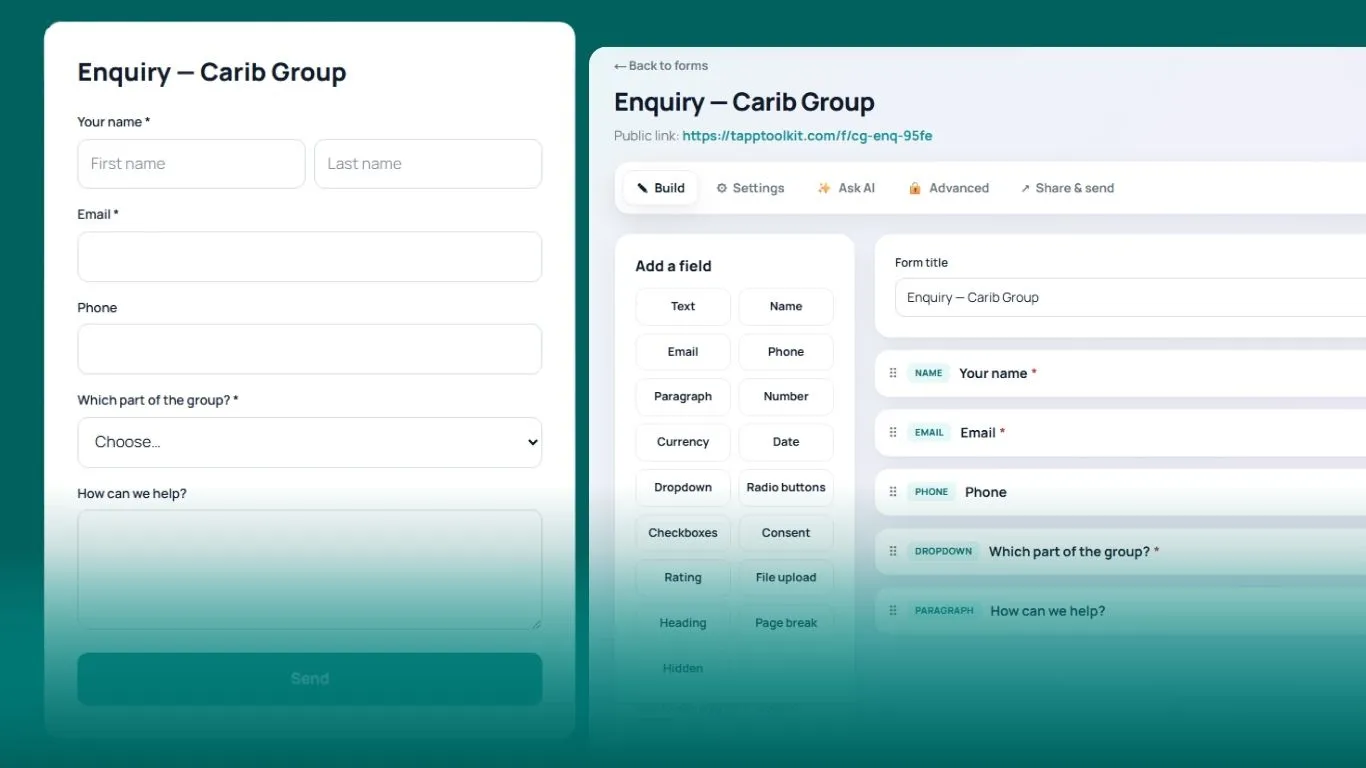
Build forms and manage every submission.
Turn flat PDFs into fillable forms.
Branded one-page sites for clients and campaigns.
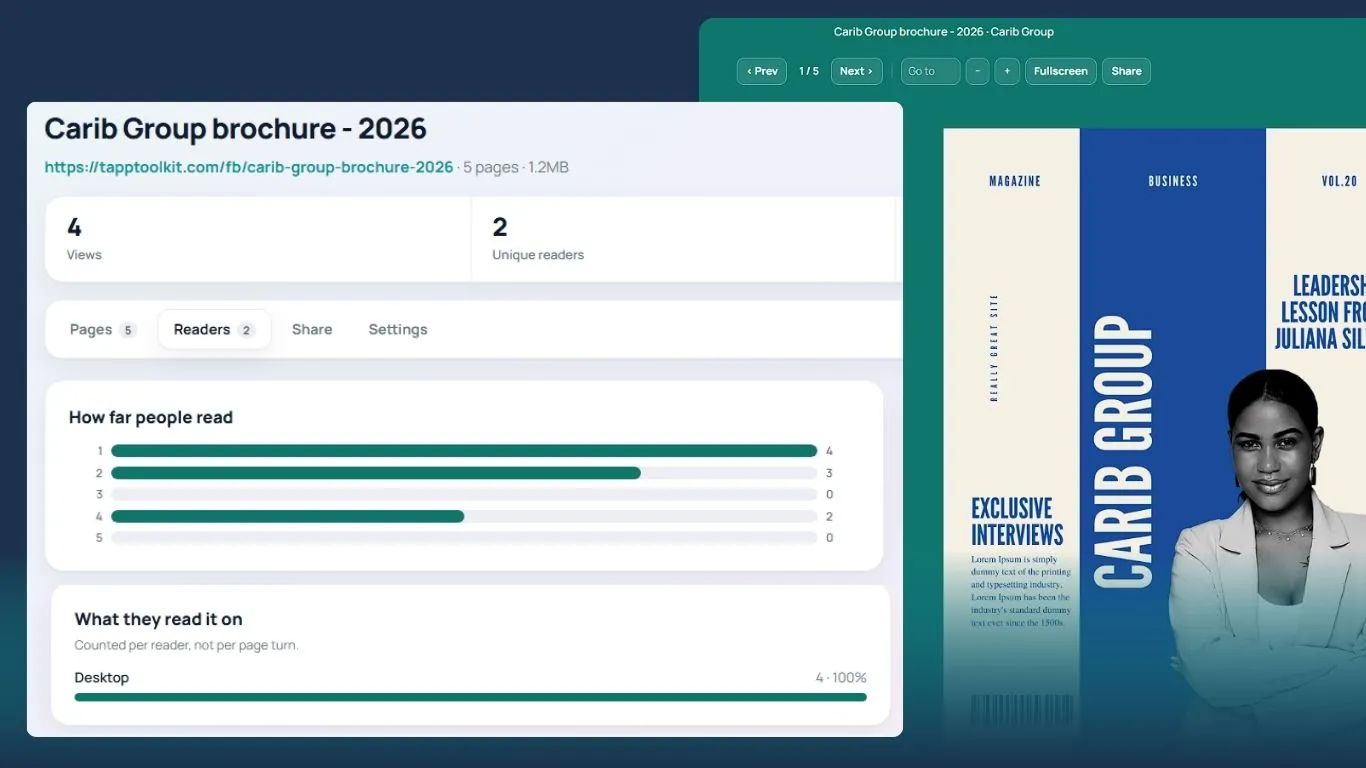
Interactive PDFs that report who read which page.
Welcome books and event guides on any phone.
Optimise, generate and edit images and video.
An AI assistant with live hand-over to your team.
Appointments, classes and availability.
Events and ticketing, from sign-up to the door.
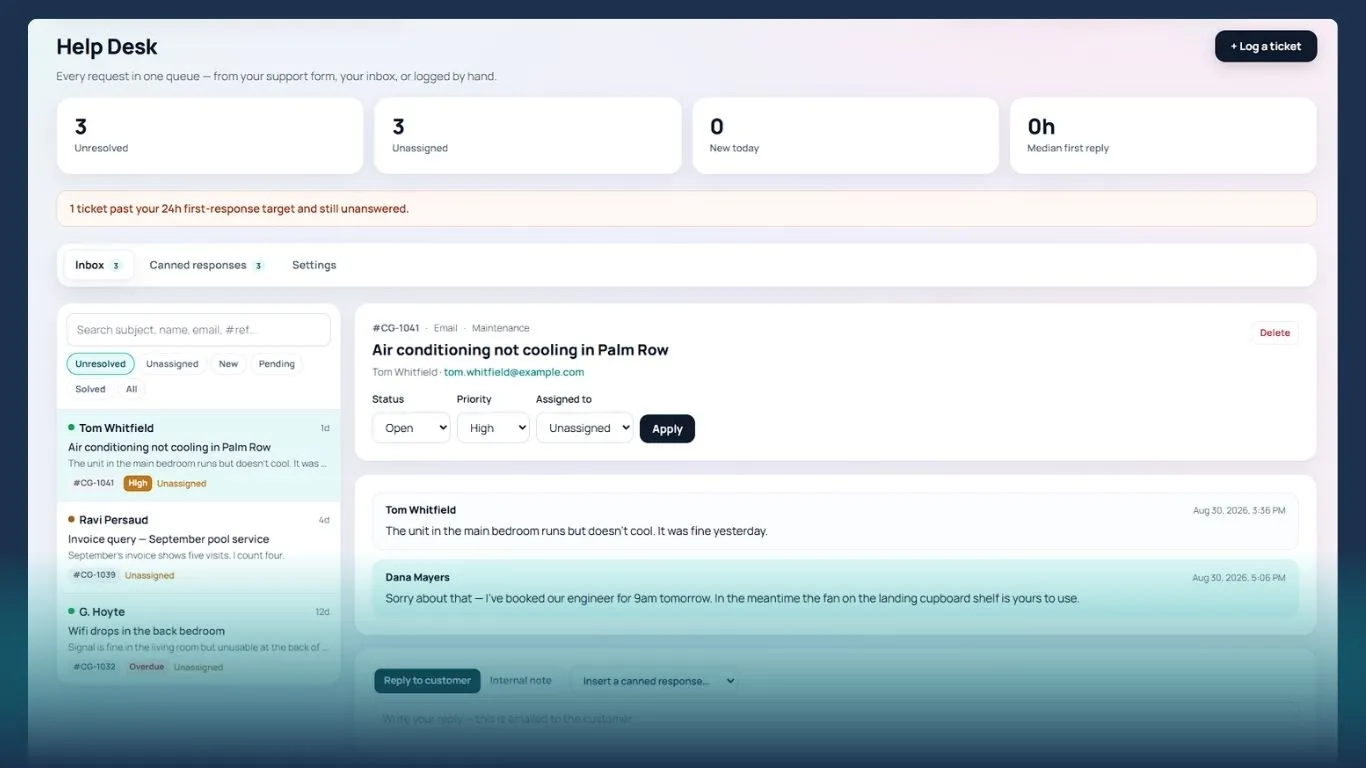
Tickets, AI-drafted replies and email in one queue.
Giveaways, votes, quizzes and instant wins.
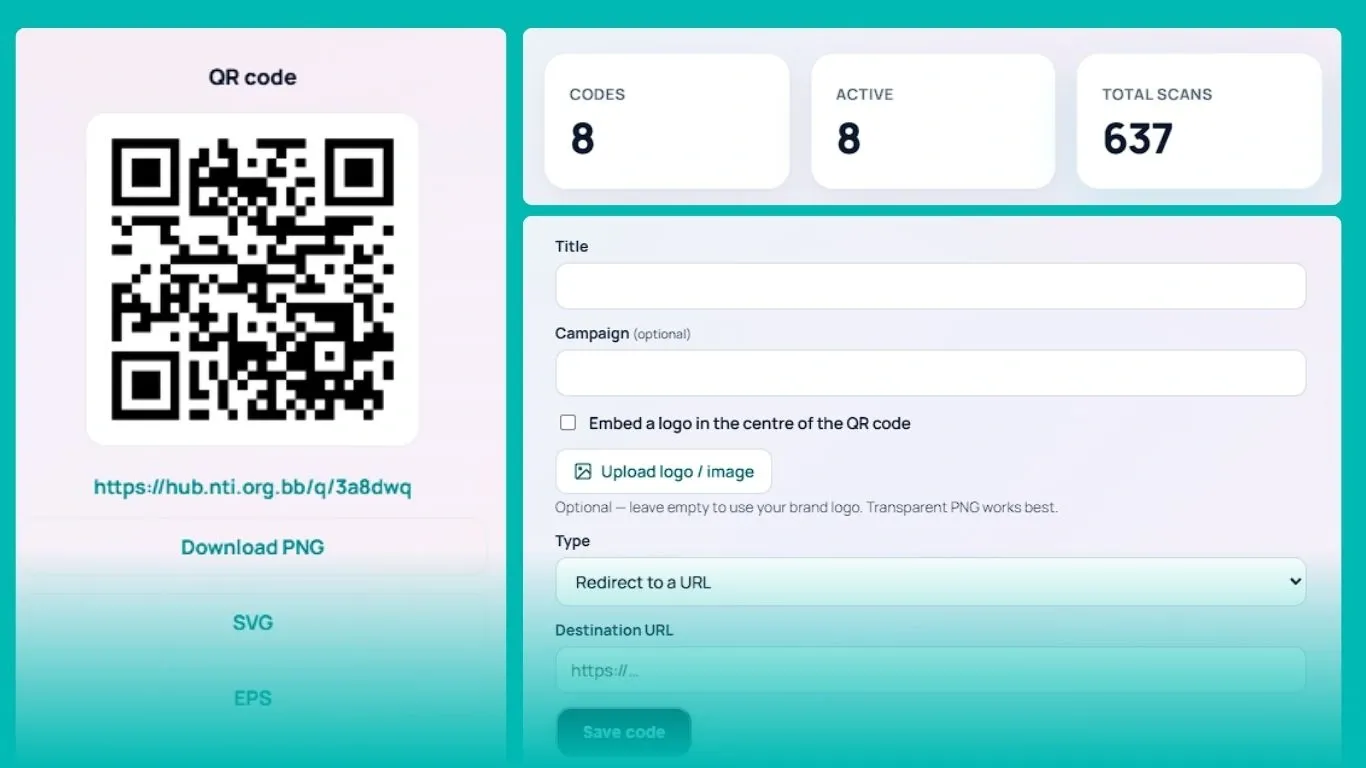
Create QR codes and track every scan.
Email signatures, contact cards and vCard QR codes.
Traffic and engagement across everything you publish.
An audit trail of who changed what, and when.
Connect the services you already use.
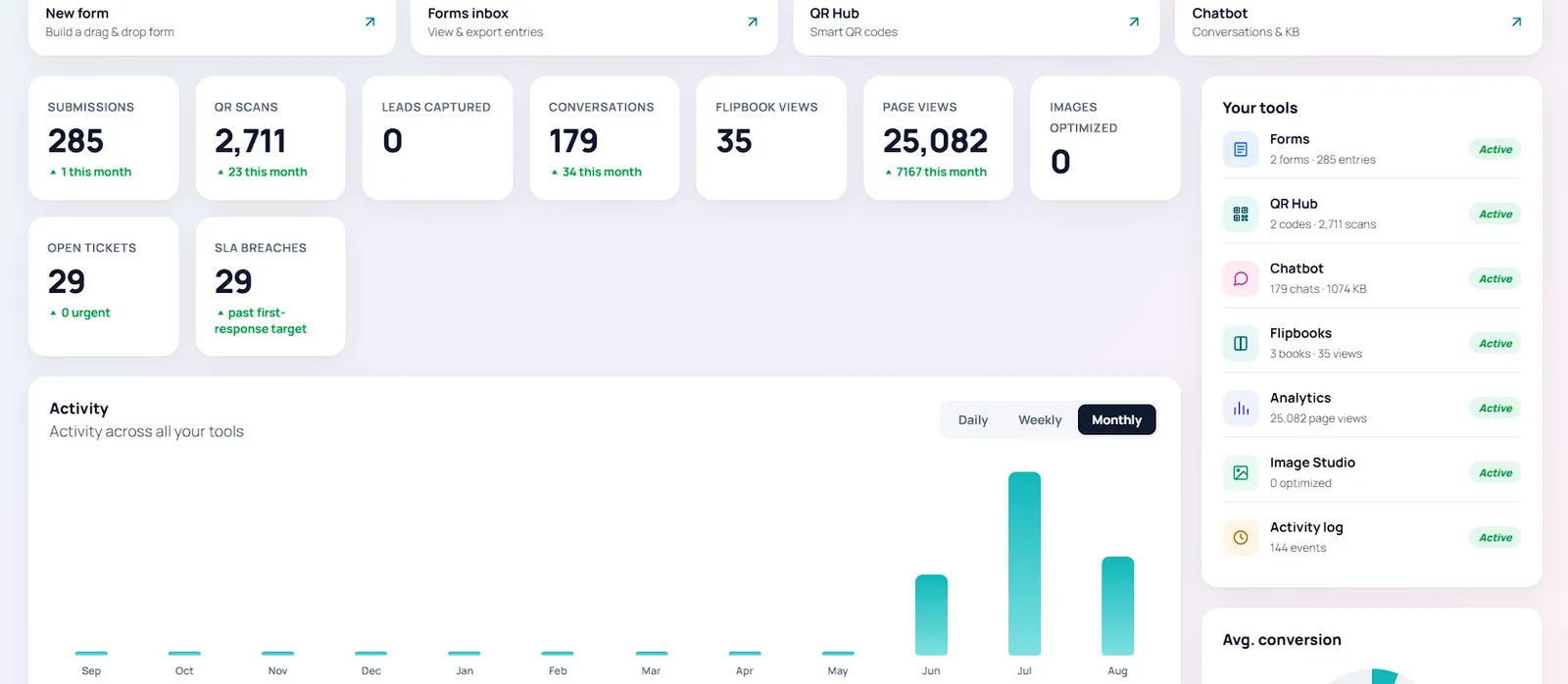
Submissions, QR scans, chatbot conversations, flipbook views, page views, open tickets and response-time breaches, side by side, with activity by day, week or month. The numbers your board asks for, without the spreadsheet.
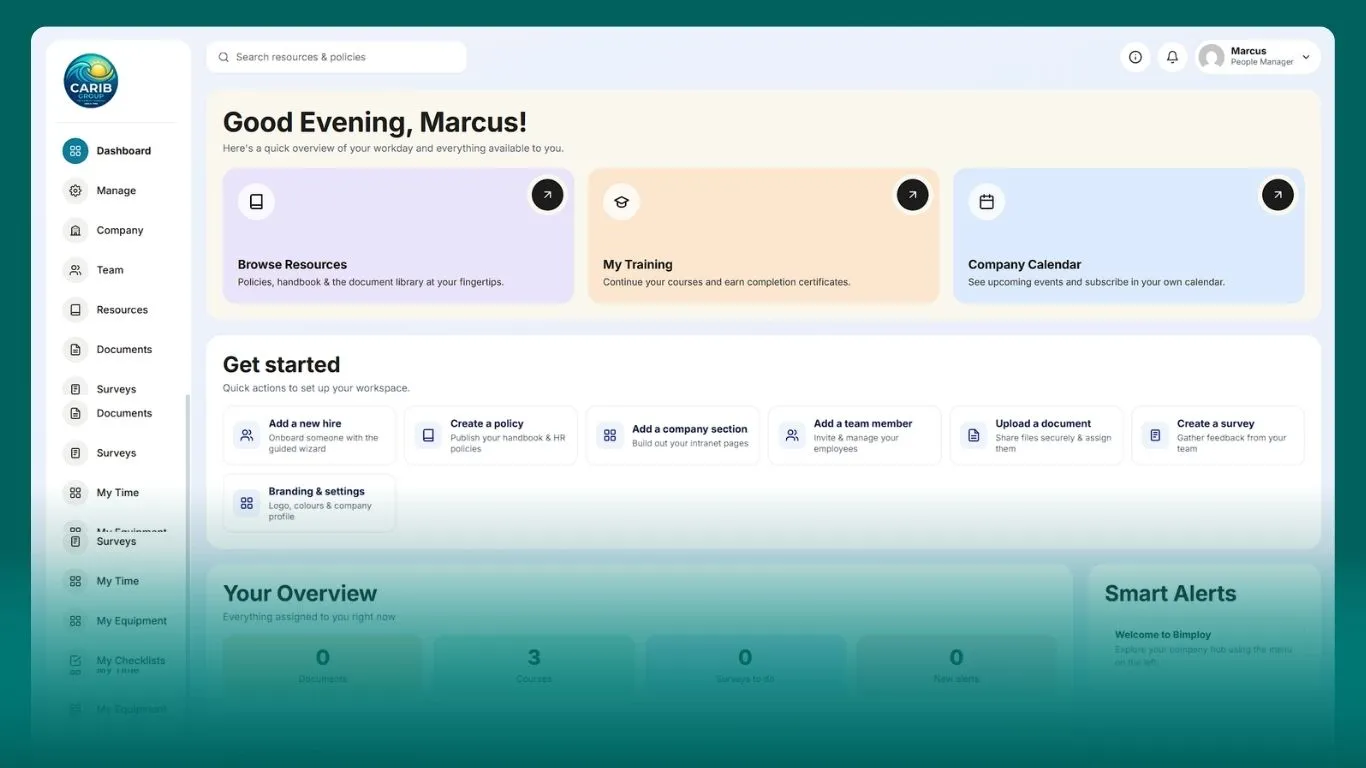
Welcome books for guests and visitors, event guides, and getting-started pages for new staff, with the resources, training and steps they need, readable on any phone.
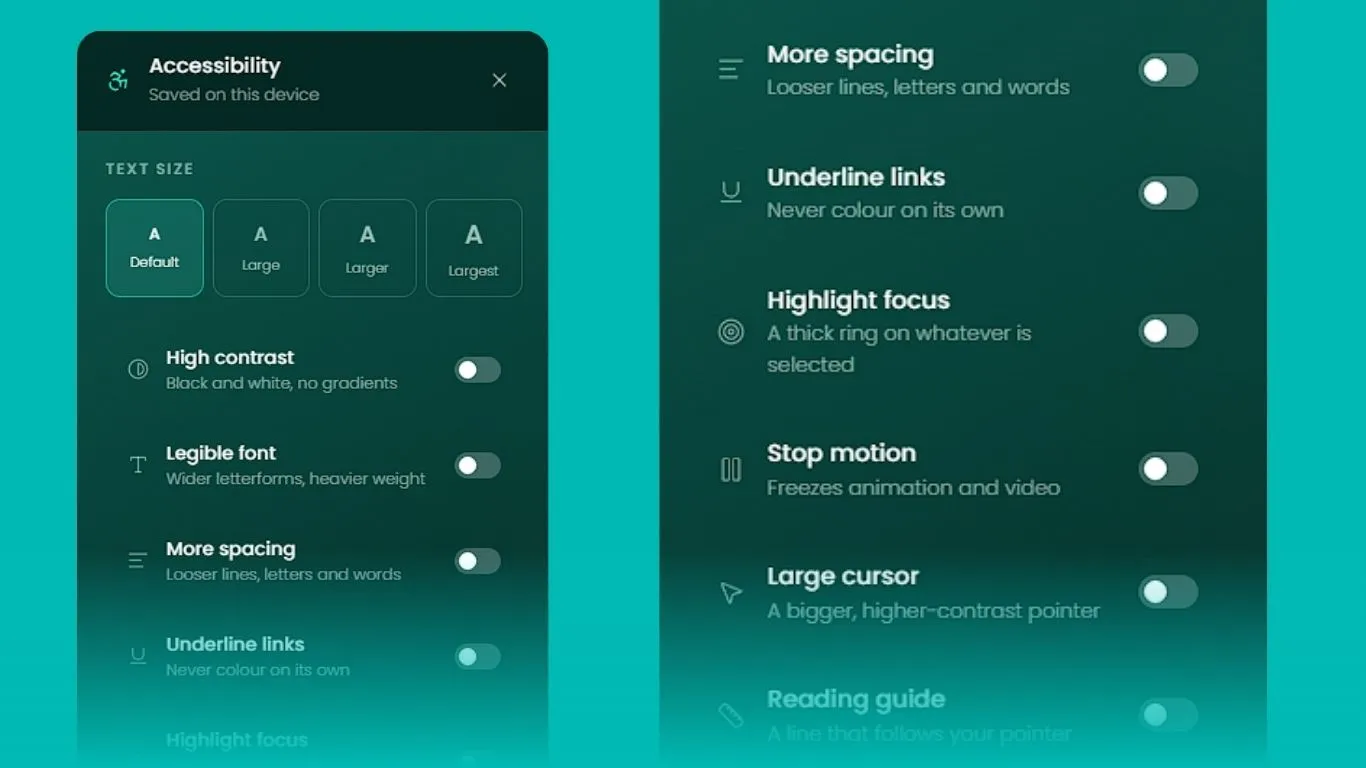
The accessibility controls on this site come with the toolkit: text size, contrast, spacing, motion and a reading guide, live on your pages and saved for each visitor.
Organisations and small teams that need forms, bookings, a help desk, QR codes and an assistant, without paying for and joining up five separate subscriptions.
Yes. Each organisation has its own space with its own logo and brand colour, and your team signs in to your hub, not ours.
No. Tools are switched on per organisation, so your team only sees the ones it uses, and more can be added as you grow.
Yes. Each organisation’s data is kept to its own space, and every person signs in with their own account.
Ask for access and we will set you up with a working account rather than a slideshow, then walk your team through the tools you need first.
We will set you up with a working account and walk your team through it.